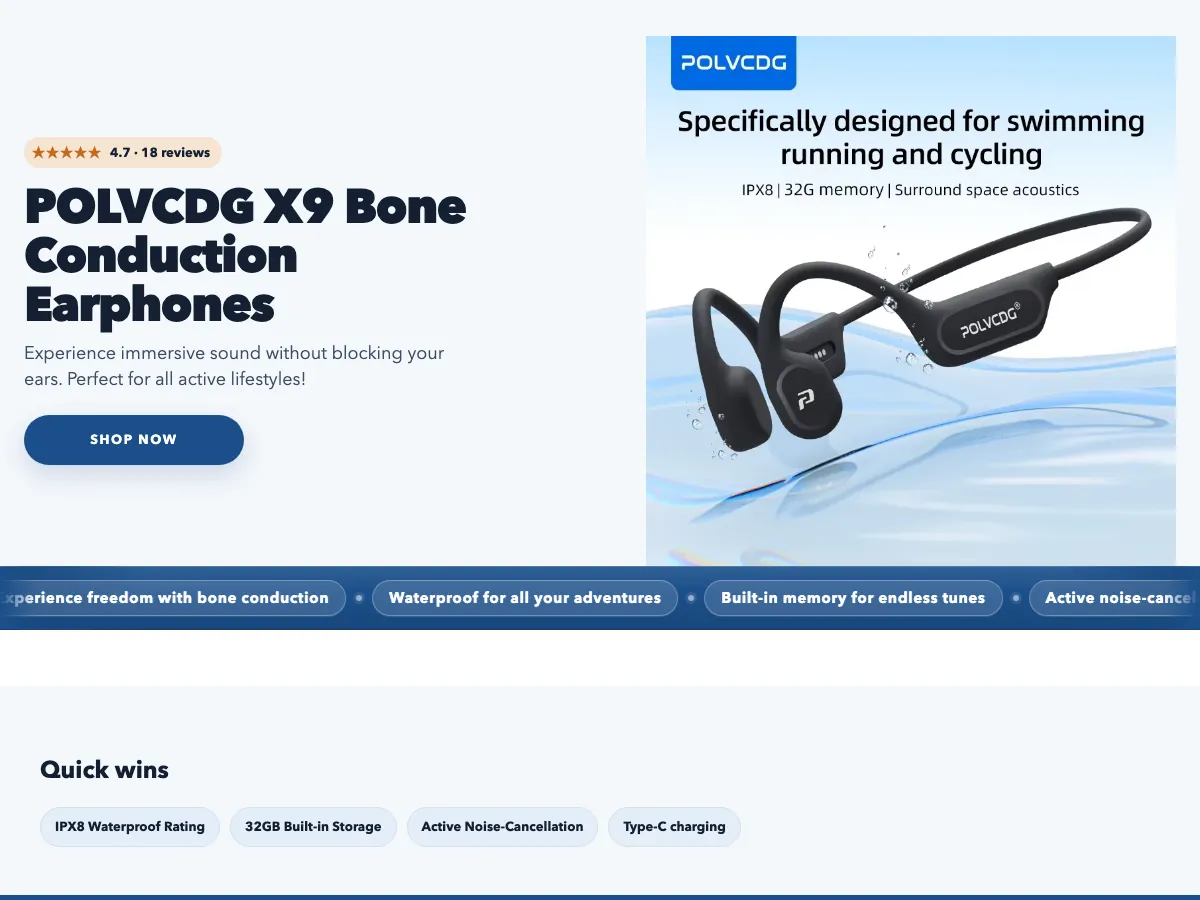
Universal
Recommended for: Any kind of product
7 color palettes: Midnight Blue, Jet Black, Slate Charcoal, Bordeaux Gold, Dusty Rose, Soft Blush, Blush Pink
View demo store →Every page Nova builds can be edited. Click a text to rewrite it, swap a photo, then save and update your live page.
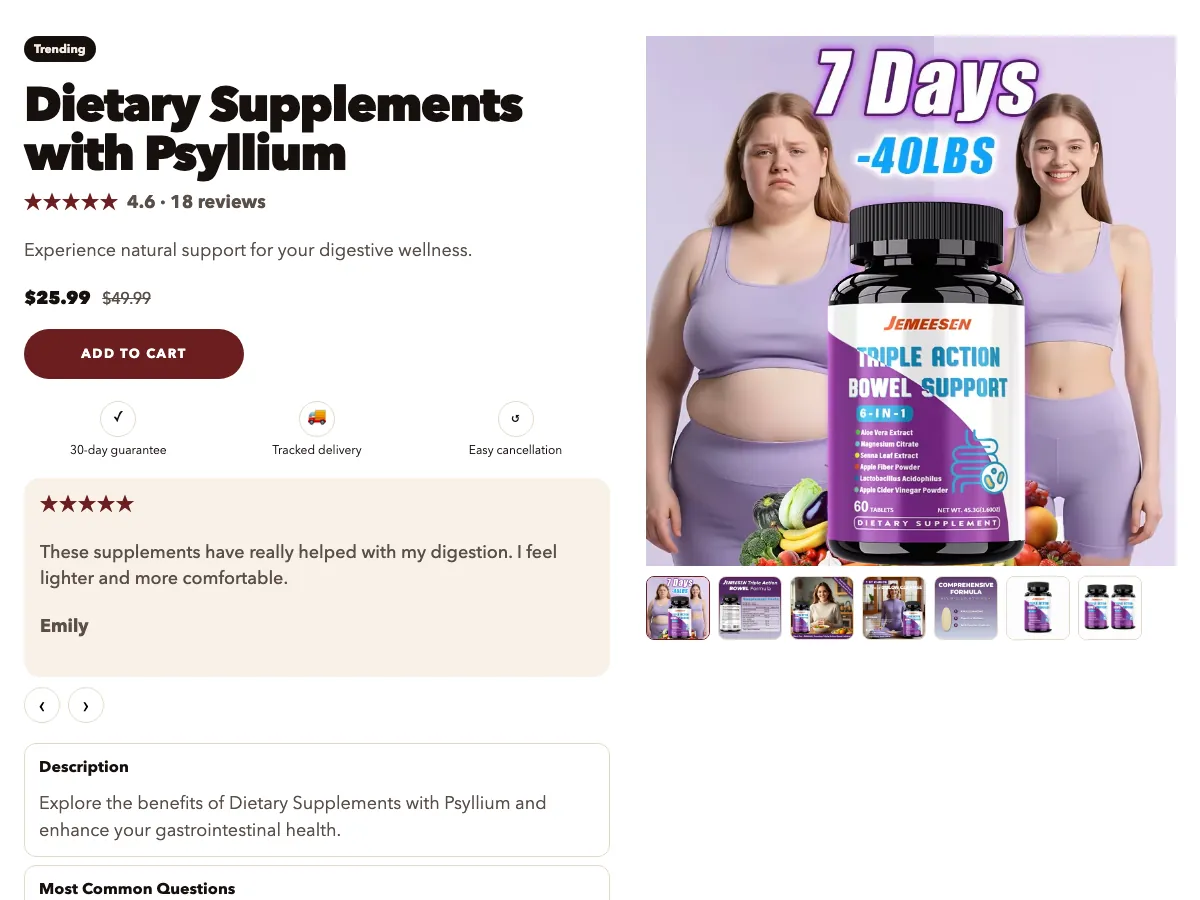
Headlines, paragraphs, badges and FAQ answers are editable right on the page preview.
Upload your own photos or pick from the product gallery.
Save and update my page pushes your changes to the live store.
Recommended for: Any kind of product
7 color palettes: Midnight Blue, Jet Black, Slate Charcoal, Bordeaux Gold, Dusty Rose, Soft Blush, Blush Pink
View demo store →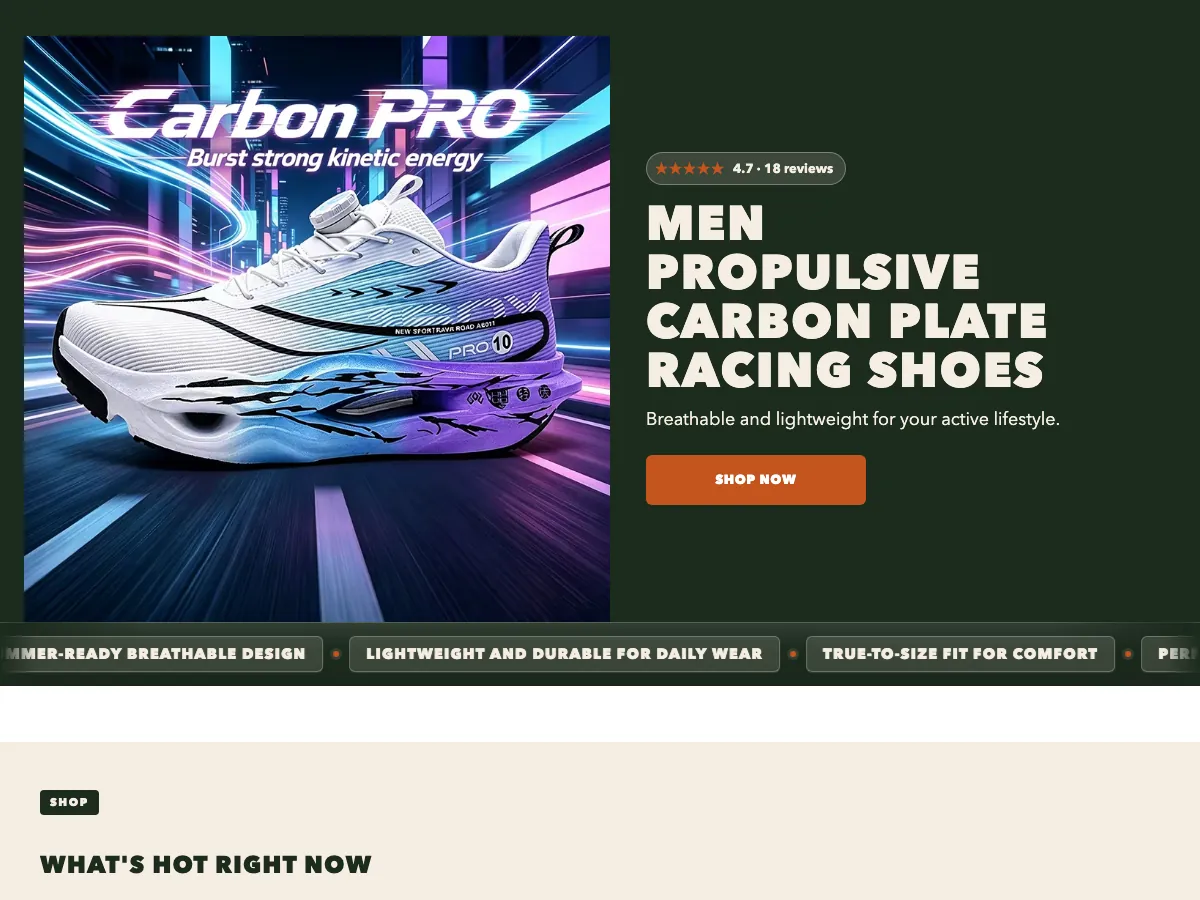


Yes. The Nova pages app embed lives in your theme editor, and your header, footer and theme settings stay editable there.
Paste one product link. Get a home page and a product page that show in your Shopify theme.
Learn more →Add a conversion-ready page for each new product, without rebuilding your store.
Learn more →Generate pre-sell pages and listicles to send your ad traffic to.
Learn more →Import photos, title, price and reviews from one AliExpress link.
Learn more →Soft, premium designs for skincare tools, beauty devices and cosmetics.
Learn more →Clean, trust-first designs for supplements, gummies and wellness products.
Learn more →Warm, friendly designs for pet products and pet care.
Learn more →Minimal, editorial designs for clothing and accessories.
Learn more →One-product and multi-product stores for testing AliExpress products.
Learn more →Install Nova from the Shopify App Store and build your first page during the free trial.
Install Nova on Shopify